Installation
System Requirements
| Component | Requirement |
|---|---|
| Operating System | Windows 10 (64-bit) or Windows 11 |
| RAM | 4 GB minimum, 8 GB recommended |
| Disk Space | 500 MB free |
| Internet | Required for payment integrations and license validation |
Download
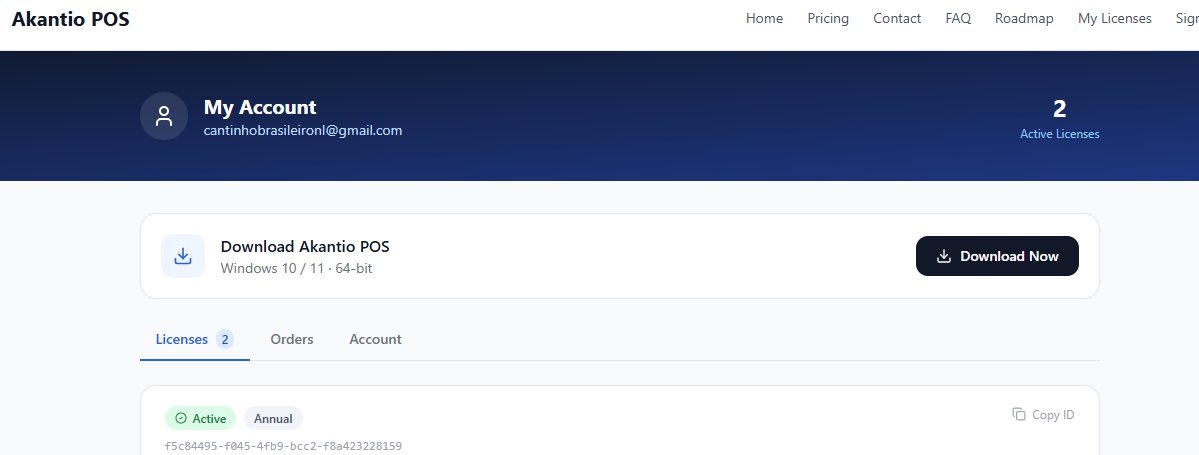
Download the latest installer from the Akantio POS portal.
Installation Steps
Run the installer
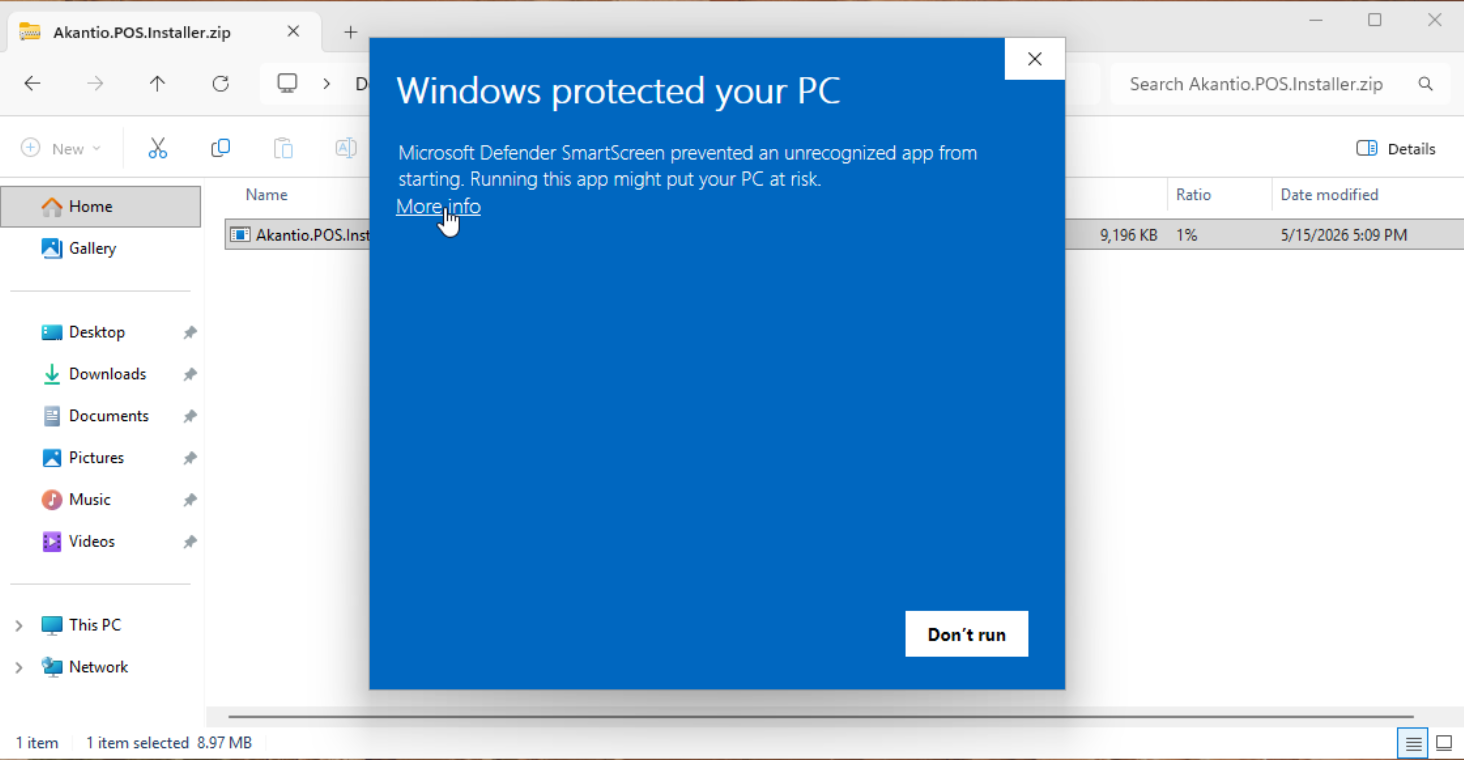
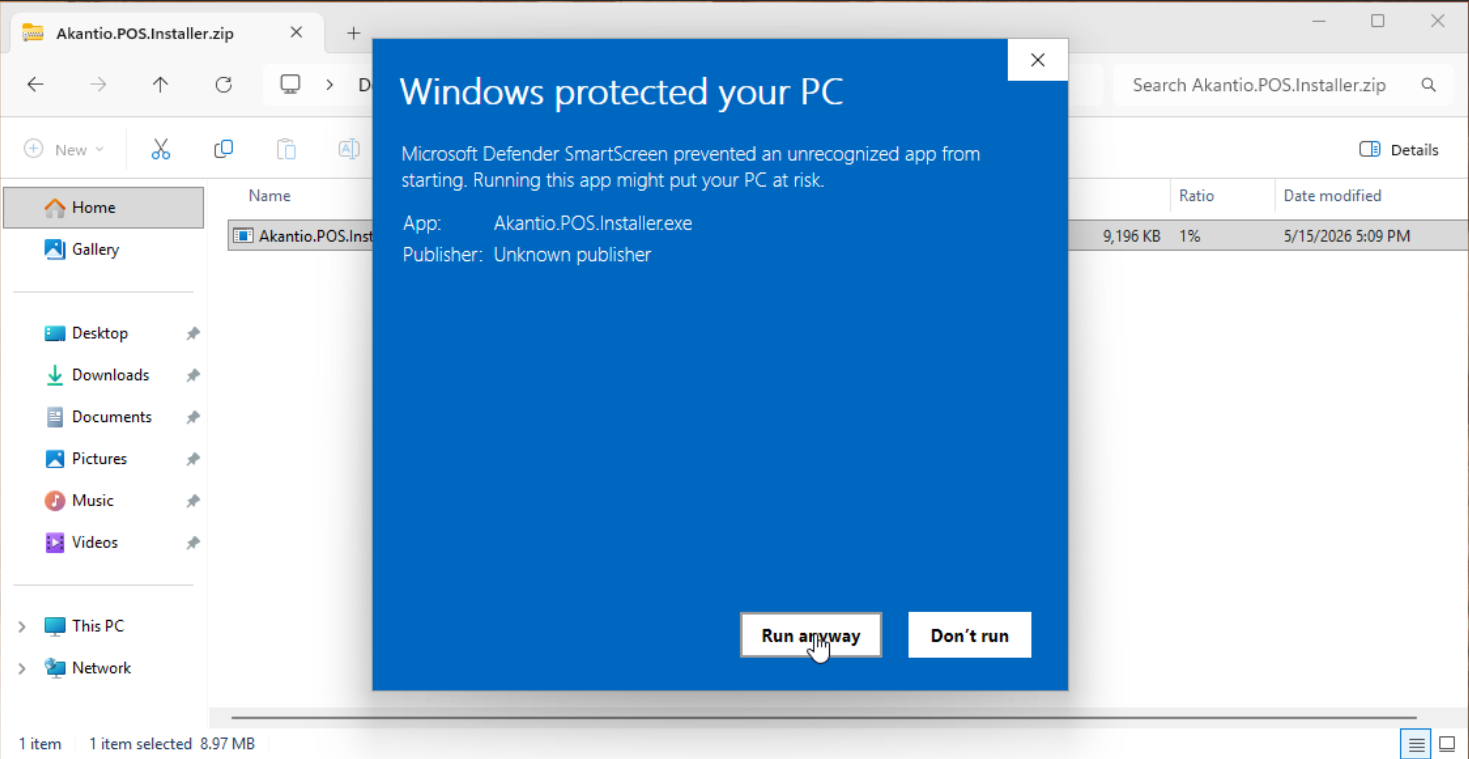
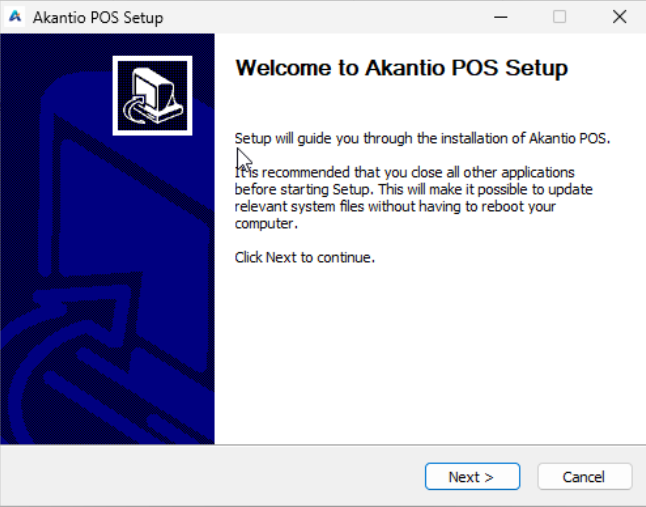
Double-click Akantio.POS.Installer-x.x.x.zip, then double-clickAkantio.POS.Installer.exe. If Windows shows a SmartScreen warning, clickMore info → Run anyway.
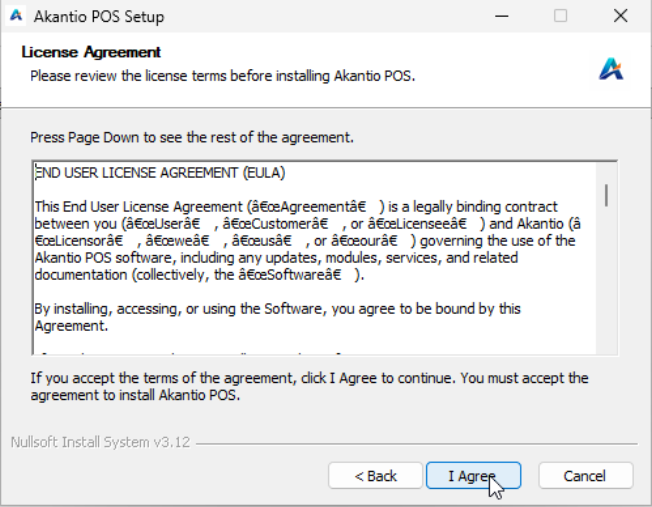
Accept the license agreement
Read and accept the End User License Agreement to continue.
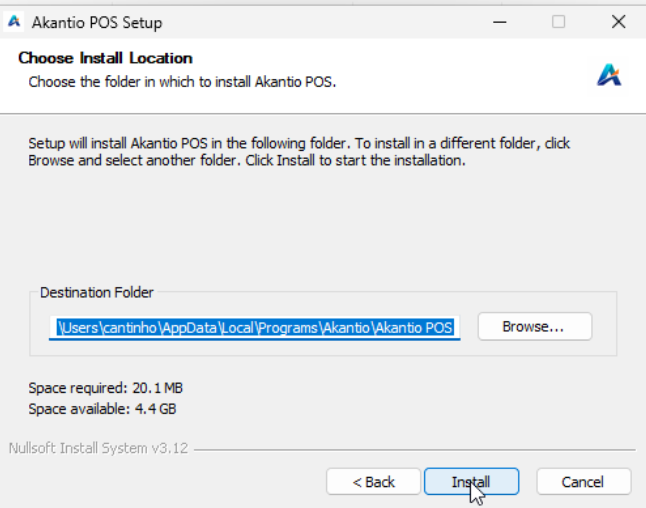
Choose installation folder
We recommend to use the default installation folder. You can change this if needed.
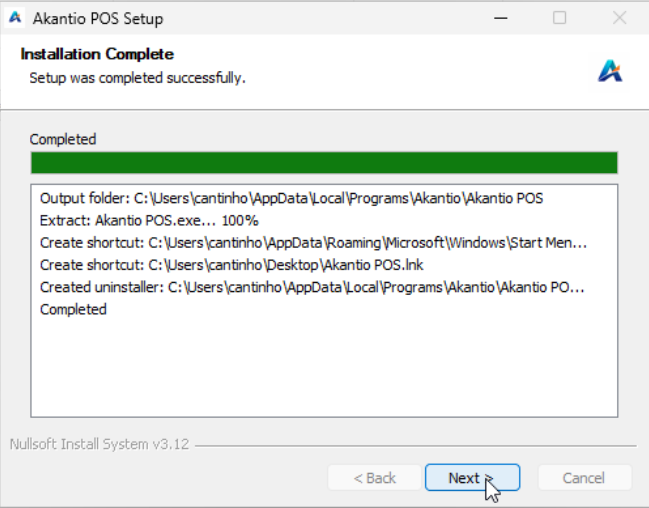
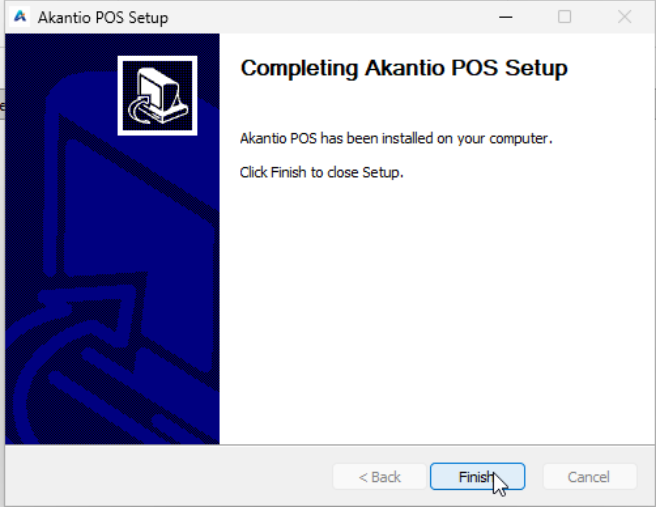
Complete the installation
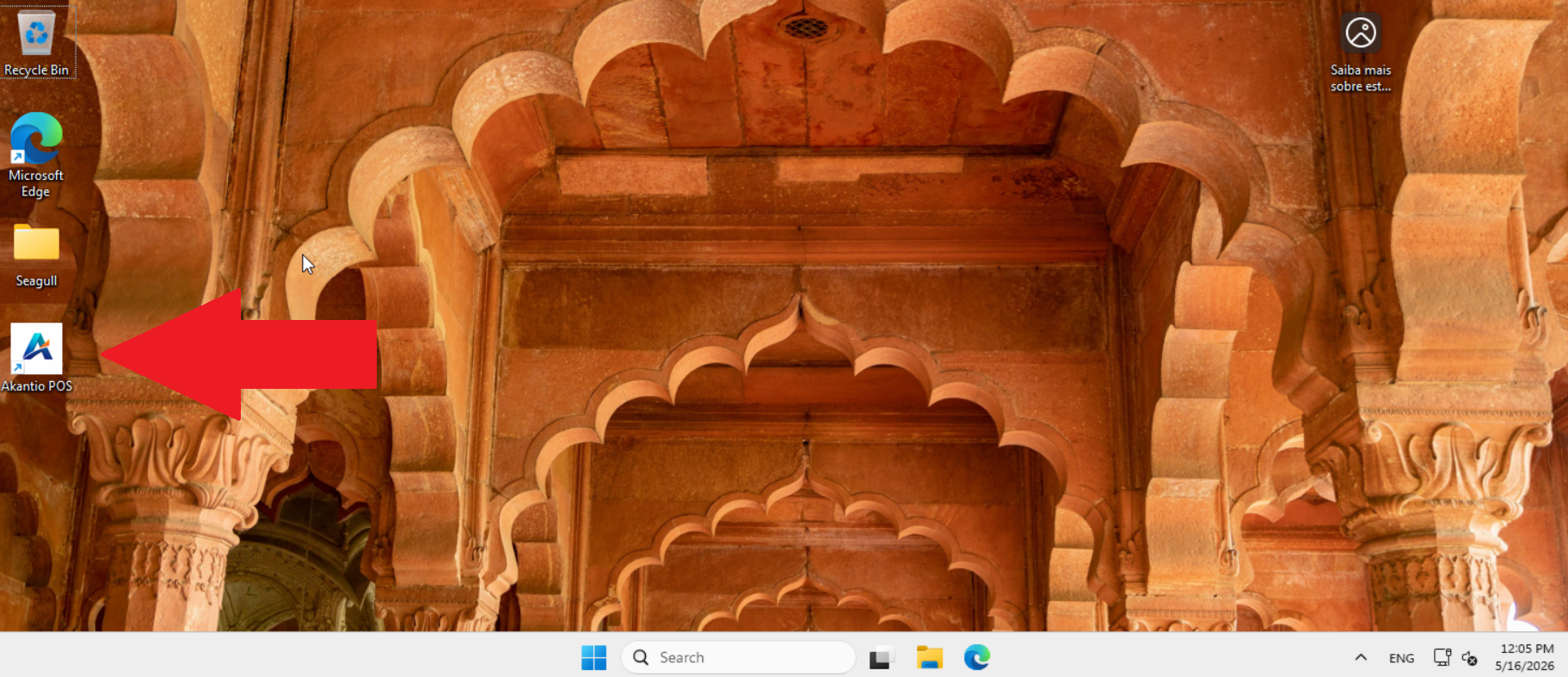
Click Install and wait for the process to finish. A desktop shortcut will be created automatically.
First Launch
After installation, open Akantio POS from the desktop shortcut or Start Menu. On the first launch you will be prompted to activate your license. In the License Management screen, type your e-mail and password to login.
Akantio POS validates your license against the activation server. An internet connection is required for this check.